

 HANDS ON SharePoint
 HANDS ON Teams
 HANDS ON Lists
 HANDS ON tek
 M365 Admin
Driving Organizational Success with Microsoft Lists: A Practical Guide
When organizations grow, so does complexity. Tasks spread across spreadsheets, emails, and chat threads. I’ve seen teams lose hours chasing updates because no one knew which version was the latest. That’s not just frustrating, it’s costly.
Microsoft Lists changes that. It’s not just a tool; it’s a framework for structured collaboration. Born from SharePoint Lists, it offers a modern interface that fits seamlessly into Microsoft 365. For organizations, this means better visibility, accountability, and efficiency.

Why Organizations Should Care
Lists help teams organize information in a way that scales. Whether you’re managing assets, tracking issues, or planning events, Lists provides:
- Consistency: Everyone works from the same source of truth.
- Integration: Works with Microsoft Teams, Power Automate, and other Microsoft 365 apps.
- Accessibility: Available on web, inside Microsoft Teams and soon in Copilot as an agent.
Imagine replacing scattered spreadsheets with a centralized, collaborative system. That’s the promise of Lists.
Getting Started: Make Adoption Easy
One barrier to adoption is complexity. The good news? Lists is simple to access:
- Web: Go to https://lists.microsoft.com.
- Teams: Add Lists as a tab in any channel for instant collaboration.
- Copilot: Use the Lists Copilot agent to help you create lists using natural language.
Start small. Pick one process, like onboarding or issue tracking, and move it to Lists. Show quick wins to build confidence.
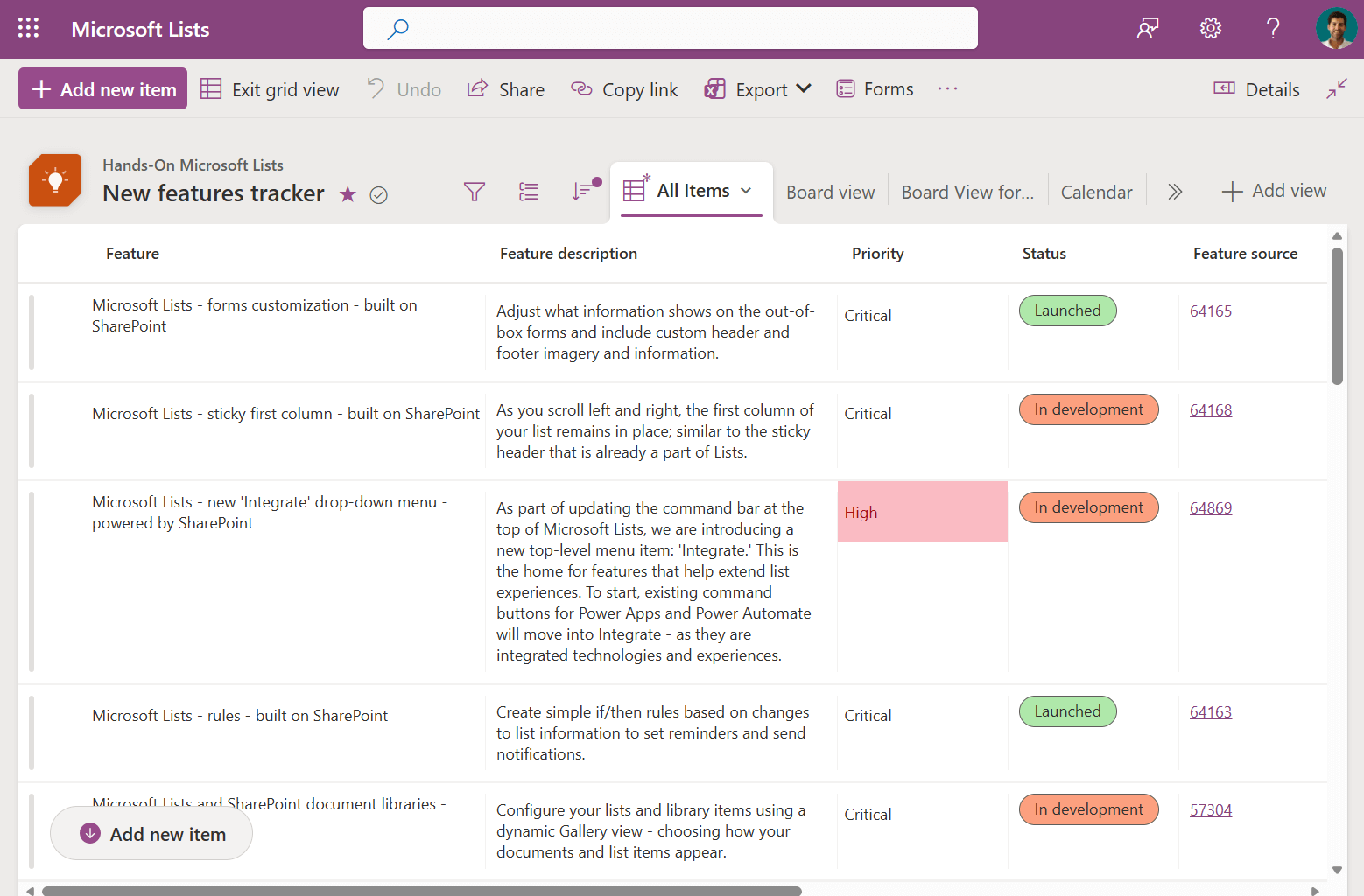
Templates and Form-First Approach: Removing Complexity for Faster Adoption
One of the biggest barriers to adopting Microsoft Lists is the fear of complexity, users think they need to design columns, data types, and views before they can start. That’s where templates and the new form-first approach come in.
Why Templates Matter
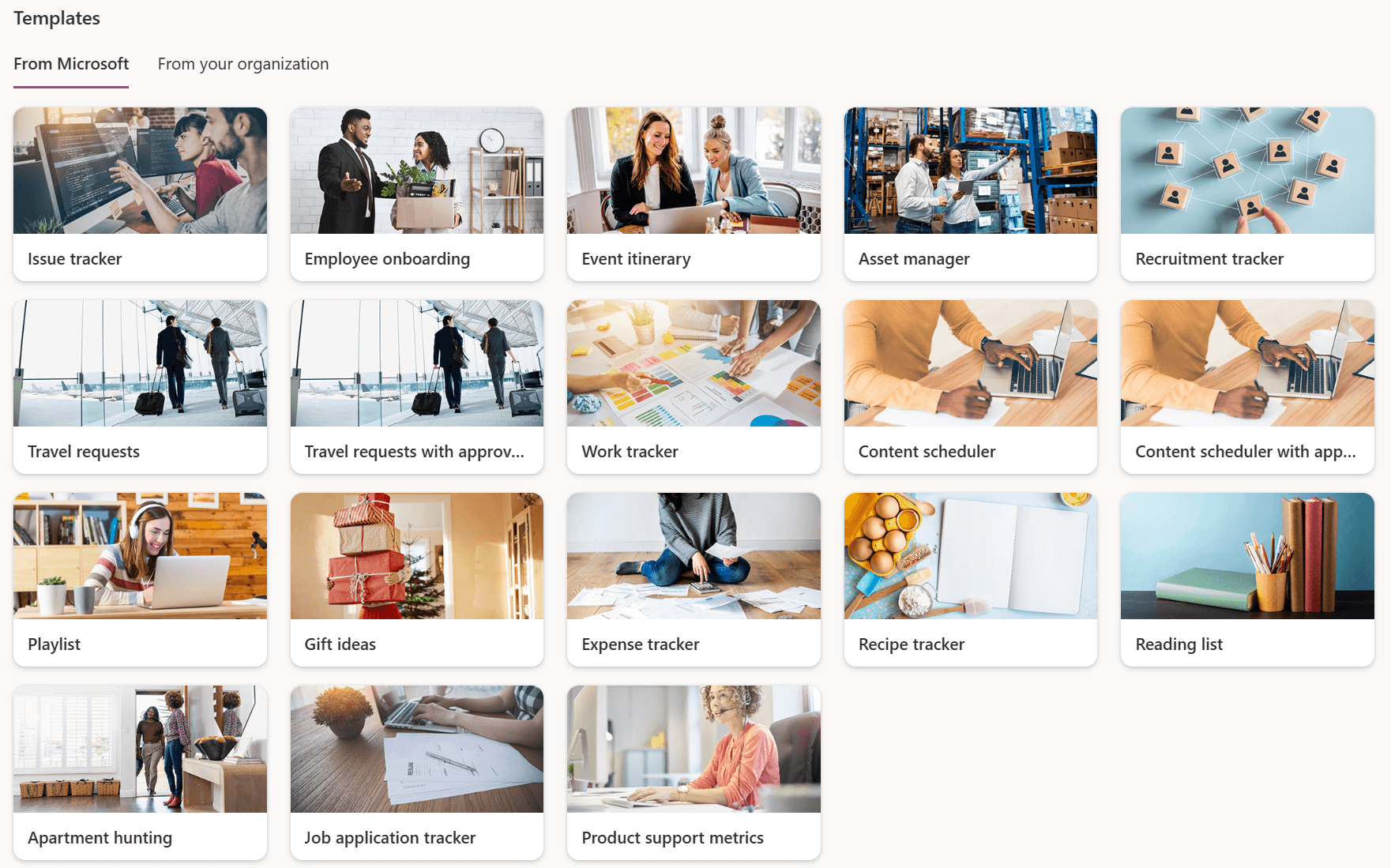
Templates give teams a head start with pre-built structures for common scenarios like issue tracking, asset management, or onboarding. They reduce setup time and ensure consistency across departments. Instead of reinventing the wheel, users can pick a template and start working immediately.
Microsoft provides a set of predefined templates but each organization can create their owns to target specific processes.
The Form-First Approach
Microsoft recently introduced a problem-first design that flips the traditional process. Instead of thinking about the data structure, you start by asking:
“What information do I need from the end user?”
Here’s how it works:
- You design the form first, focusing on the fields users will fill out.
- Lists automatically creates the underlying structure based on your form.
- This removes the complexity of planning columns and data types upfront.
This approach is a game-changer for adoption because it aligns with how people naturally think, about the problem they’re solving, not the technical setup. It makes creating a list as simple as creating a survey.

Automate to Scale
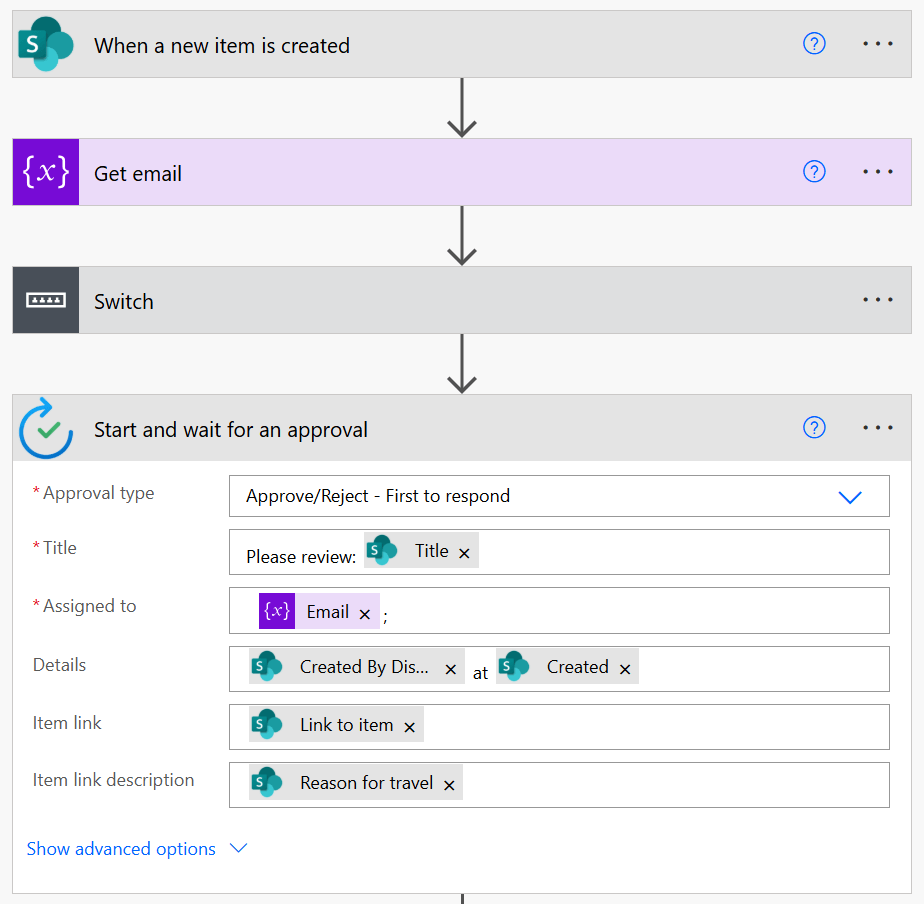
Adoption sticks when processes become effortless. With Power Automate, you can:
- Notify teams when tasks change status.
- Send reminders for upcoming deadlines.
- Sync data with other systems.
- Start approval workflows
Automation reduces manual follow-up and keeps everyone aligned. Start with one flow, like sending alerts for high-priority issues, and expand from there.
Tips for Driving Adoption
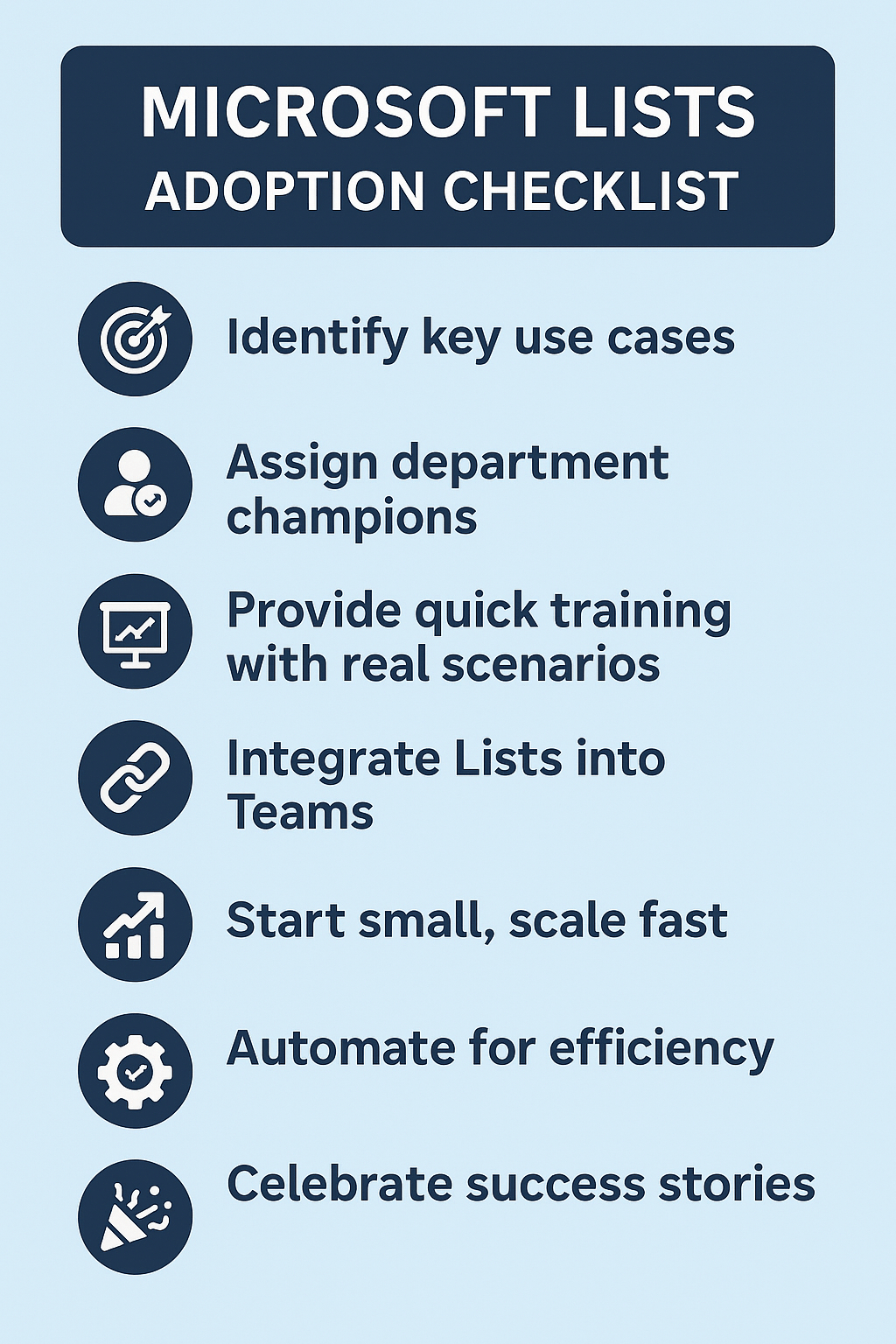
- Champion Ownership: Assign a Lists advocate in each department.
- Train with Scenarios: Show how Lists solves real problems.
- Integrate with Existing Tools: Embed Lists in Teams where work already happens.
- Celebrate Wins: Share success stories internally to build momentum.






No comments yet